Your private space on your device
MicutVault gives users one protected local area for personal media and notes without turning the experience into a cloud account or online storage service.
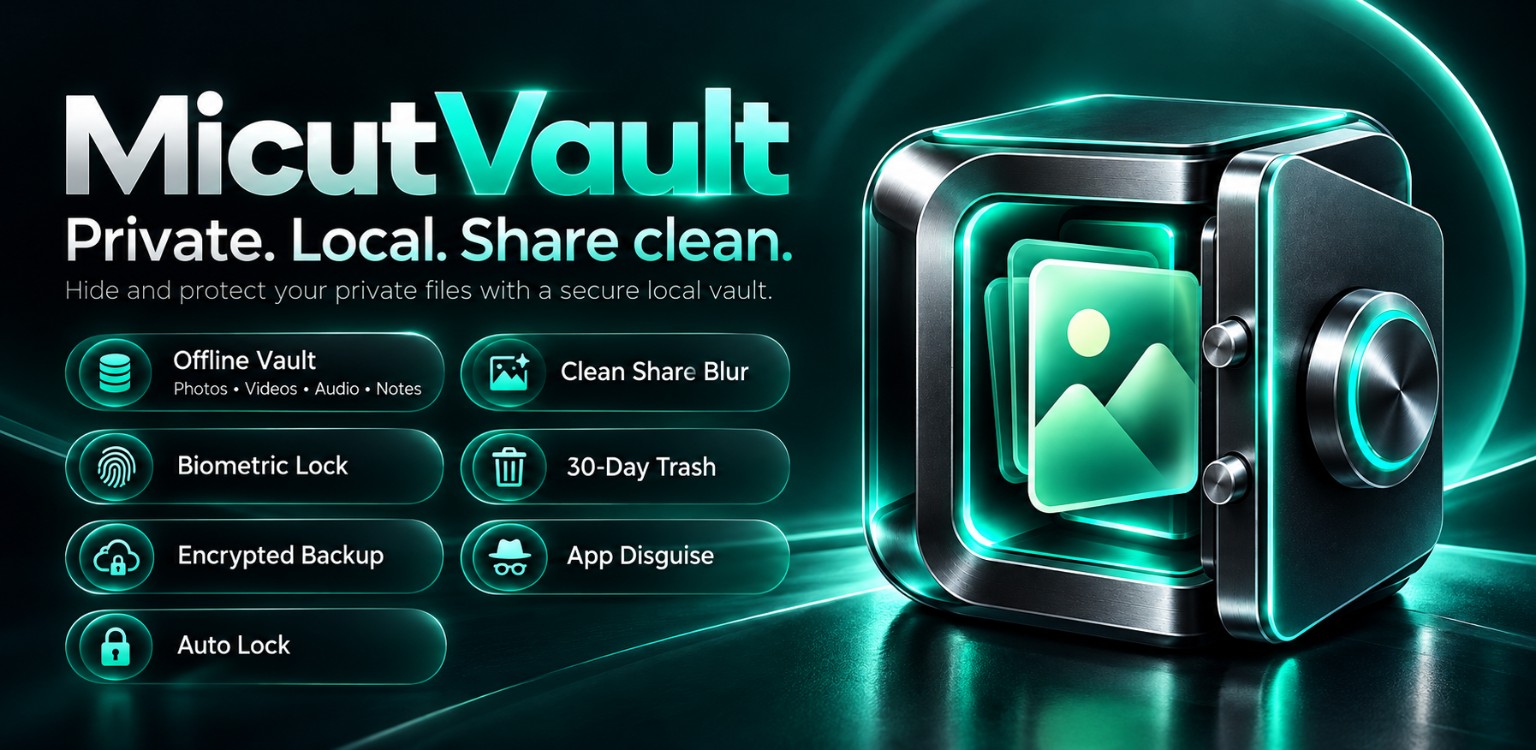
Private local vault
Private. Local. Share clean. Keep personal media and notes inside a protected space designed for privacy and control.
MicutVault gives users one protected local area for personal media and notes without turning the experience into a cloud account or online storage service.
Keep selected private images separate from normal gallery browsing.
Organize personal video content inside the same protected local space.
Keep selected audio files together with other private media.
Write and store private notes alongside protected files.
Private files remain local without a cloud dependency or a remote account. MicutVault is designed to operate without the INTERNET permission, keeping private content under the user’s control.
Prepare selected visual content for sharing by blurring sensitive areas where supported.
Use device biometrics as an optional convenient access layer when enabled.
Deleted vault content can remain recoverable for a limited period before permanent deletion.
Create a protected, user-controlled backup for recovery.
Use a discreet presentation option designed to make access less obvious.
Return the vault automatically to a protected state based on the selected settings.
MicutVault has no ads, account, analytics or cloud dependency. Private content is processed locally; backup and export remain under user control. Optional biometric access uses supported device mechanisms.
Read the dedicated policy before the public release.