A real problem.
A clear solution.
Nullun turns status-bar and message configuration into a fast, visual and shareable workflow.
 TSI
TSICreative screenshots
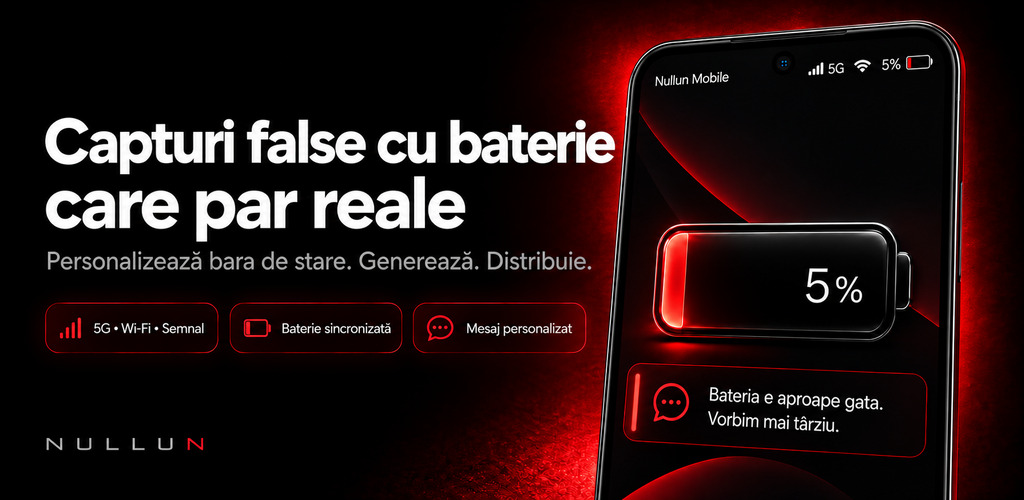
Create realistic screenshots with configurable battery, signal, carrier and notification details.
Nullun turns status-bar and message configuration into a fast, visual and shareable workflow.
NULLUN · USE CASES
Nullun helps creators build a controlled status-bar presentation for Android screenshots. Battery, carrier, signal, LTE or 5G, Wi-Fi, app name, notification indicators and background can be prepared as one coherent visual before export.
Start with the Android status bar editor, continue with a clean status bar workflow for screenshots, then choose an exact battery percentage or the battery state your scenario needs.
Control the status-bar details used in a screenshot presentation before export.
Explore the use case →Keep app screenshots, tutorials and presentations visually consistent.
Explore the use case →Choose an exact value from 1% to 100% for a repeatable screenshot scenario.
Explore the use case →Illustrate responsible low-battery, charging and warning-state scenarios.
Explore the use case →FAQ
Nullun is a status-bar studio for preparing controlled Android screenshot visuals for tutorials, mockups, documentation, presentations and app marketing.
No. Nullun creates a visual presentation for the screenshot or mockup. It does not alter the phone's real battery, carrier, signal, network or Wi-Fi state.
Yes. The screenshot presentation can use a selected percentage from 1% to 100%, together with available battery states.
Available controls include carrier, signal, LTE or 5G, Wi-Fi, app name, notification indicators, background and status-bar presentation styles.
Nullun can support a consistent visual workflow for app screenshots. The creator remains responsible for the final asset and the requirements of the destination platform.
Yes. It is designed for controlled visual examples, documentation, tutorials, mockups, demos and product presentations.
A TSI Dev Studio account is not required for the core app experience described on this site.
The app offers optional Pro access for additional capabilities. The current product and regional purchase details are shown in the official Google Play listing.