Photos
Keep selected images outside the ordinary gallery experience.
XSILENT · ANDROID PRIVACY VAULT
Xsilent protects PDFs alongside photos and videos in a local-first Android vault with no account, no ads and no mandatory cloud.
Private PDFs • Local-first • No account
Available for Android • Built by TSI Dev Studio
PDFs often contain information that feels out of place in an ordinary Downloads folder: contracts, statements, personal documents, scanned records or files kept for occasional reference. A normal browser or file-manager flow can leave those documents mixed with everything else on the phone.
A private PDF vault provides a deliberate place for documents you do not want exposed during normal browsing. Xsilent brings those PDFs into the same protected environment used for selected photos and videos.
Private moments are not always stored as photos. Xsilent supports the three file types people commonly want to keep away from casual browsing.
Keep selected images outside the ordinary gallery experience.
Protect private video files in the same local-first vault.
Import and view private PDF documents in the Master vault.
Xsilent lets you view imported PDFs within the private environment, so you do not need to expose them through the normal Downloads browsing flow whenever you want to read them.
The feature is intended for private PDF viewing rather than document editing. PDFs can be organized alongside other private content and remain part of the user-controlled vault workflow.
Private documents stay inside a focused vault experience.
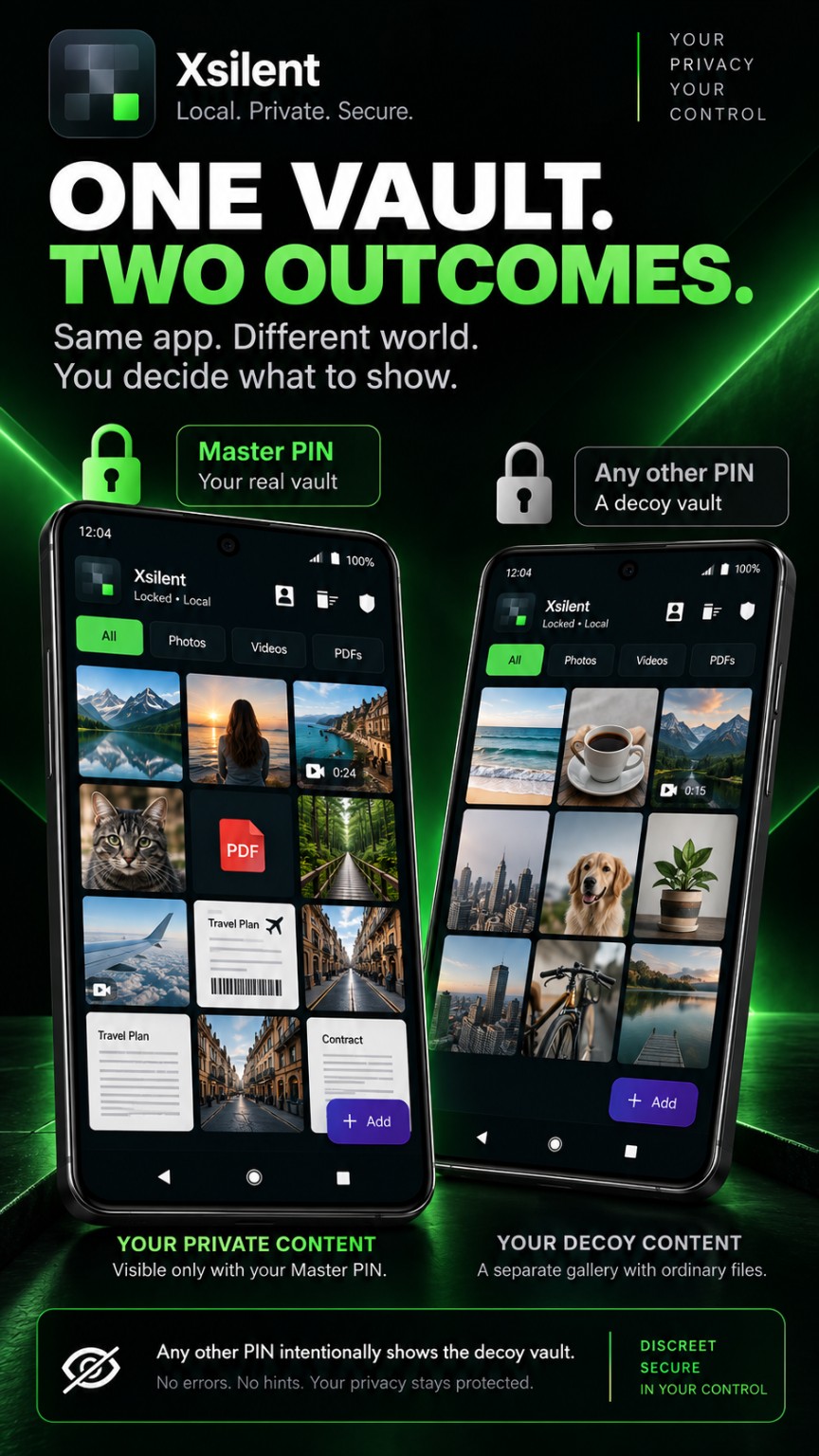
Photos, videos and PDFs in one focused, local-first Android vault.
Files in the private vault are protected locally using authenticated AES-GCM encryption. Xsilent requires no Xsilent account, displays no ads and does not make cloud storage mandatory.
Private vault content is not automatically uploaded to TSI Dev Studio servers. The user controls imports, exports and optional encrypted backups, while internet access can still support Google Play installation, updates, purchasing and restoration.
When you choose to create a backup, Xsilent produces an encrypted backup protected by a separate password, and you select its save location through the Android file picker. The backup remains a user-controlled file rather than an automatic upload to a TSI Dev Studio cloud service.
Deleted private content can remain protected in encrypted Trash for the configured temporary retention period of 7 or 30 days. This provides a recovery window before automatic deletion while keeping those items within the protected vault flow.
Xsilent offers Premium access through a one-time Lifetime purchase. There is no recurring monthly or yearly subscription attached to the Lifetime product.
For the broader purchase model, explore the photo vault with one-time Lifetime access. If sign-up is the concern, see how Xsilent works as a photo vault without an account.
Yes. PDFs can be imported and viewed in the Master vault.
Yes. Xsilent protects private PDFs alongside selected photos and videos on Android.
No. Cloud storage is not mandatory, and private PDFs are not automatically uploaded to TSI Dev Studio servers.
No. The private vault does not require an Xsilent account, email address or phone registration.
Yes. All three supported content types can be kept in the private vault.
PDFs are viewed within the private vault environment. The viewer is intended for reading, not editing.
No. Premium access is available through a one-time Lifetime purchase.
Yes. You can create a password-protected encrypted backup and choose where to save it.
For the wider product decision, compare Xsilent as a photo vault with a one-time purchase and as an Android vault without an account.
PRIVATE BY DESIGN
Use the official Google Play listing for Xsilent by TSI Dev Studio.