Local night-audio processing
Night audio is analyzed on the device rather than sent to TSI Dev Studio servers.
ZIZLY · SLEEP AUDIO RECORDER
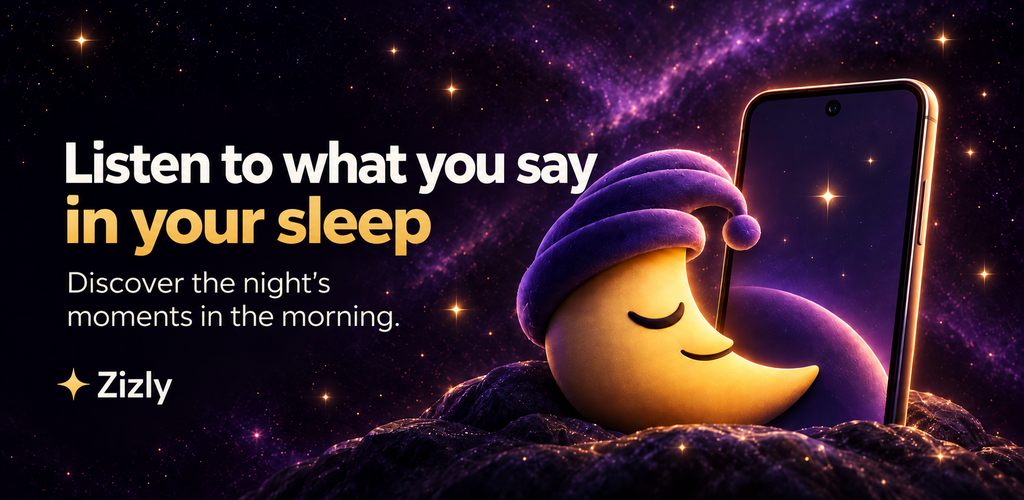
Zizly is a local sleep talk recorder for Android that filters inactive periods and organizes relevant night sounds into a clear audio timeline—so you can review moments without listening through hours of silence.

PRODUCT FOCUS
A focused product with a clear local purpose.
Night audio is analyzed on the device rather than sent to TSI Dev Studio servers.
Inactive periods are filtered so review centers on audible moments.
Sessions remain available for the user to review, delete or share deliberately.
The workflow does not automatically upload recordings to TSI Dev Studio.
Explore a demo night with fictional moments: replay the night, open the Morning Story, play moments and choose Zizly's personality.
Demo only: this simulator never uses your microphone and records nothing. The night and its moments are fictional; the clips are pre-made demo recordings with a synthetic voice.
Zizly was awake. Someone had to be.
Timeline from 23:00 to 07:00. 5 moments captured. 00:52 Pillow negotiations; 02:15 Unfinished sentence; 03:40 Season finale (Moment of the Night); 05:25 Night orchestra; 06:05 Unexpected occurrence
Tap a gold marker to play that moment. Zizly keeps only short moments when sound is detected — the quiet hours are never stored.
The personality changes how Zizly presents your mornings and labels each moment.
3 free nights, then Zizly Lifetime: one payment, no subscription and no monthly fee.
Leaving a recorder running can create a long file filled mostly with silence. Zizly is designed for people who are curious about sleep talking, snoring or other sounds during the night and want a more practical way to review them in the morning.
Zizly identifies audio activity locally and keeps short clips instead of presenting one uninterrupted night-long recording.
Detected moments are organized into a simple sequence that is easier to review the next morning.
Audio clips, associated metadata and settings remain on the device during normal use.
Delete clips manually or use the available settings for removing older clips.
Grant microphone permission, place the phone near the bed and keep it charging.
Monitoring begins only after you explicitly start a session.
Open the timeline in the morning and listen to the detected moments.
Keep, delete or manually share the clips you choose.
Revisit spoken moments you may not remember.
Hear when notable sounds occurred during the session.
Build your own understanding of recurring overnight moments.
Zizly is a personal audio tool, not a medical device, diagnostic service or substitute for professional medical advice.
Microphone access is used only after you start monitoring and grant Android permission. Detection and clip processing take place locally on the phone. Nothing is shared automatically, and normal use does not require a TSI Dev Studio server.
See exactly how Zizly handles audio →Zizly includes three free nights so you can evaluate the recording and review flow. Lifetime access is offered through Google Play as the long-term option; regional purchase information is displayed by Google Play.
No. Recording starts only after you explicitly begin monitoring and grant microphone permission.
Audio detection and clip processing take place locally on the phone during normal use.
No. Clips are not automatically uploaded or shared. Sharing happens only when you choose it.
Yes. You can delete clips manually, and older clips may be removed according to the settings you choose.
No. Zizly helps you review overnight audio moments; it does not diagnose sleep or health conditions.
The app includes three free nights and offers Lifetime access through Google Play.
Practical guidance for recording, reviewing and managing night sounds on Android.
Learn how to record sleep talking on Android with Zizly, review relevant night sounds in a timeline and keep audio processing local.
Read →Use Zizly as a local sleep talk recorder for Android and review relevant spoken or audible moments in a clear morning timeline.
Read →Record audible night moments such as snoring, talking or coughing on Android and review short local clips with Zizly.
Read →Understand how Zizly processes and stores sleep audio locally, when the microphone is active and how you control deletion and sharing.
Read →Start a Zizly session tonight and review a clear local timeline in the morning.